The platform
Your plant’s data platform, on one industrial PC
Kustlyne is software on a machine on your own network. It talks to your PLCs, records what your line did, and runs apps a person reviewed and signed. Your data never has to leave the building, and nothing outside can reach in.
In your plant
Everything runs on your own network
One machine with a port facing each network. One call leaves the building, and nothing comes in.
On the machine
The platform, every driver, every app and all of your data. It runs with no internet connection at all — a supported configuration, not a degraded one.
On our website
The catalogue, the signatures, your licences and your account. We hold no process data and have no way to read any.
Between the two
The machine asks us; we never connect to it. Every call is outbound, from your network, and you can see all of them.
Apps
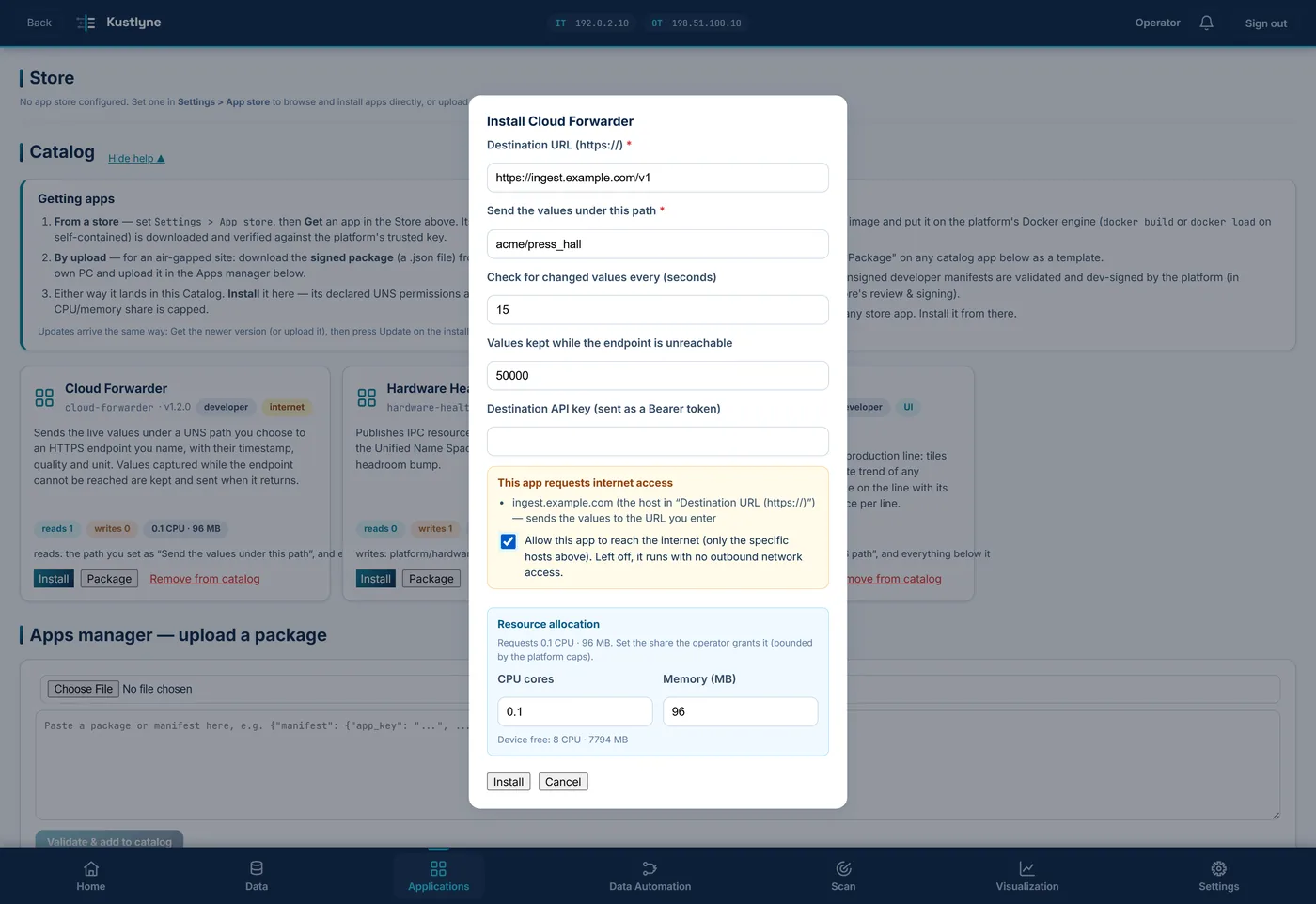
Every app says what it touches
An app declares what it needs before a reviewer sees it, and the machine holds it to that.
- What it reads and writes
- Which tags, devices and files. An app that can change a setpoint says so in its listing, before you install it.
- Where it may reach
- Most apps reach nothing outside the machine. One that does names its hosts, and any other address is refused — the plant sees what was blocked, and why, in the platform’s notifications.
- Who may install it
- An admin or a super user, asked for their password again first. Restricted and monitor accounts see the Applications page read-only.
- What removing it takes
- Its stored values, its snapshots and its secrets. What stays is the record that it was installed: an audit trail, not a leftover.
Built in
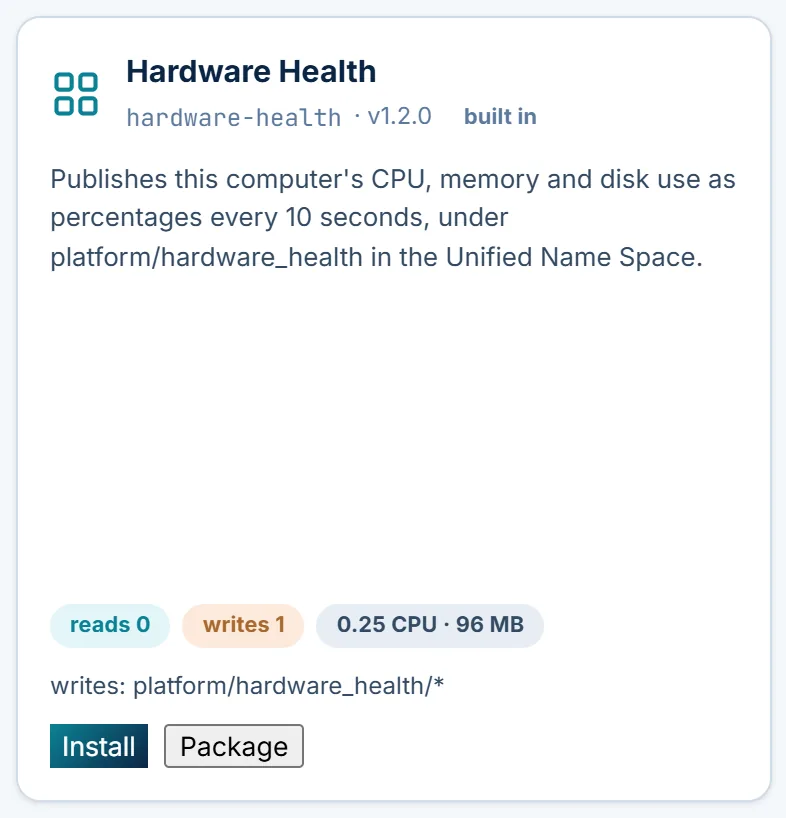
Hardware Health comes with it
From 1.6.3 every platform brings one app along, already in its own Catalog — the one you would otherwise go and find on the first day.
It publishes this computer’s CPU, memory and disk use every ten seconds, as
platform/hardware_health/cpu_percent, …/memory_percent
and …/disk_percent, where every app and dashboard reads them like
any other tag.
It is signed with the release and needs no licence. An admin or super user presses Install there, and there is no Remove from catalog on it. 1.6.2 does not have it.
When something goes wrong
Your line keeps running
Each answer is a rule in the contract between the store and the machine, not a promise on a web page.
This website goes down
Nothing happens on your line. The machine holds a signed licence with weeks of runway, and a failed check is never treated as an invalid licence — so an outage of ours cannot stop your production.
The machine loses its connection
It carries on. When the runway gets short, the platform says so on its own screen and we email the licence owner. A site that is always offline is licensed by file.
Somebody tampers with the store
The machine refuses the package. It checks every signature against a key placed on it at installation — not against this website, our certificate or the network in between.
An app turns out to be bad
A person read it before it was signed, and its listing shows what it reads, writes and may reach — taken from the signed manifest, not from a description somebody typed.
Hardware
What it runs on
Kustlyne is software. It runs on industrial PCs from the usual suppliers, and on hardware you may already have.
See it on one of your own lines
A pilot runs on one line for about 60 days, installed by a system integrator. Or download it and run the full platform free for 90 days.